How it works.
Everything is now in one monday workspace, with the boards linked to each other. Here's what happens day to day.
The workspace
The Life's Door workspace holds ten boards (the nine below plus Grants), three dashboards and a workshop checklist doc. Each board stores one kind of thing, and links replace copying: a donation points to a person, a session points to its program, and so on.
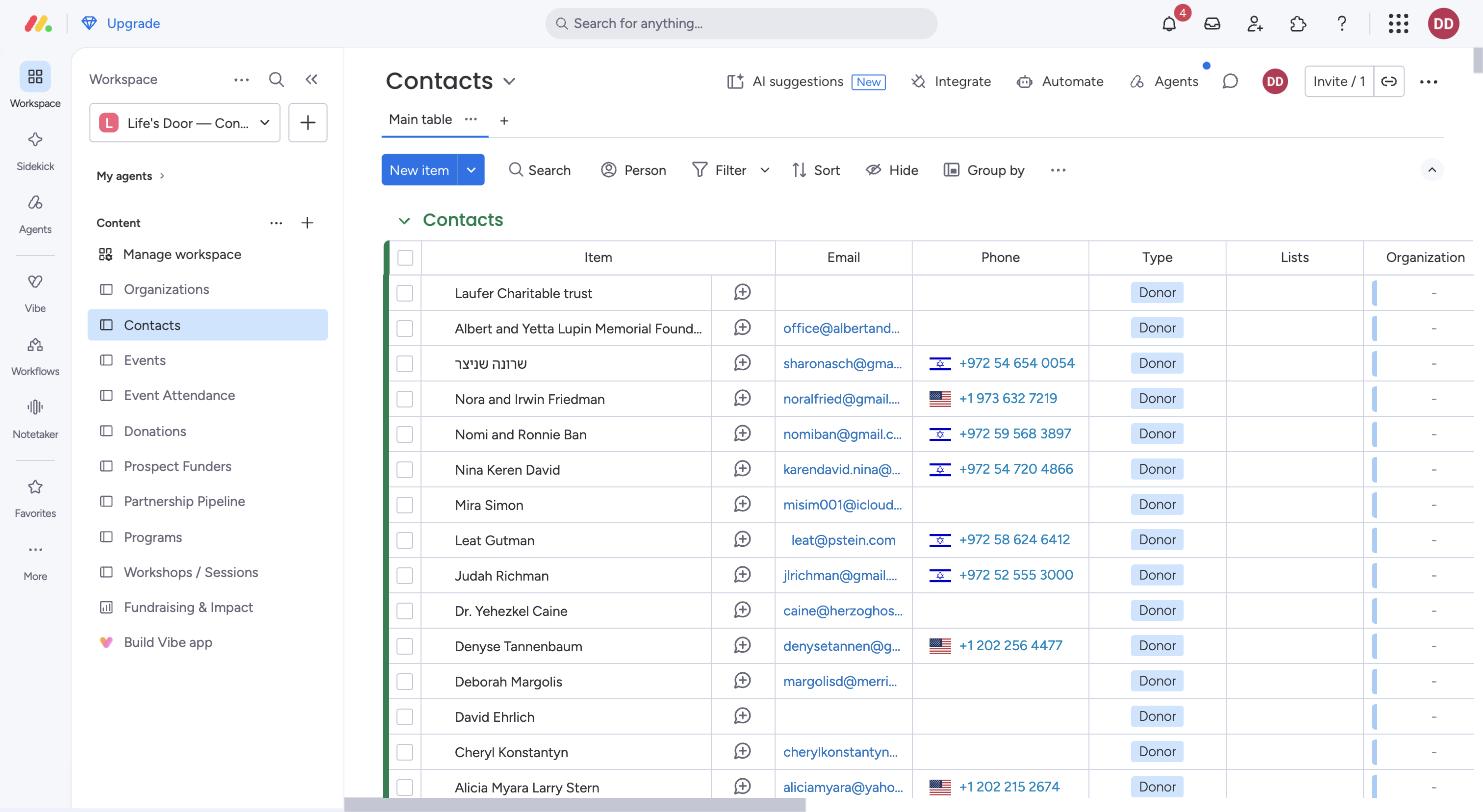
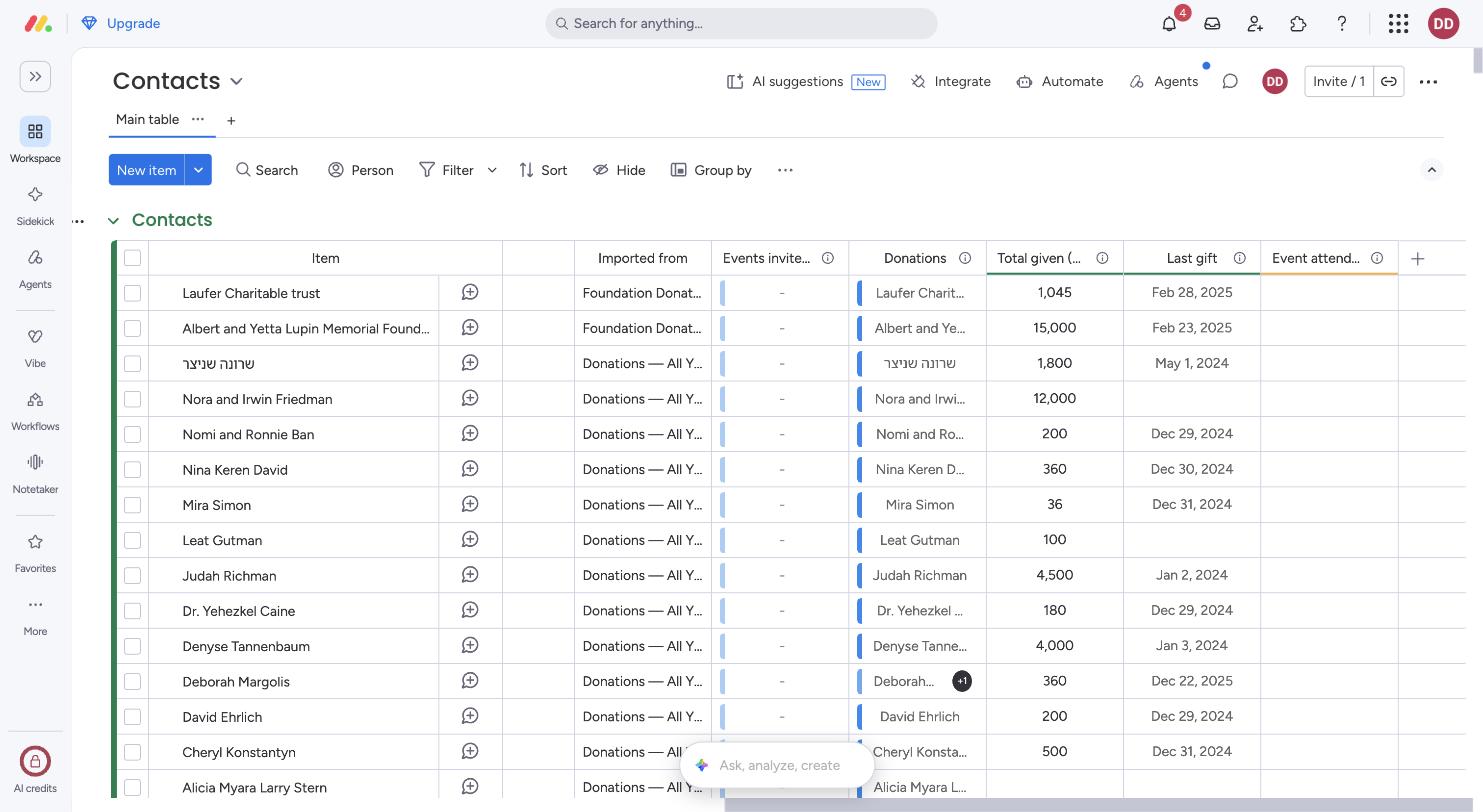
When a donation comes in
- Add a row to Donations with the amount, currency and date, and link the donor in Contact.
- The donor's row in Contacts updates by itself: Total given and Last gift.
- monday sends a notification to send the receipt and the thank-you. Tick the two boxes when they're done.
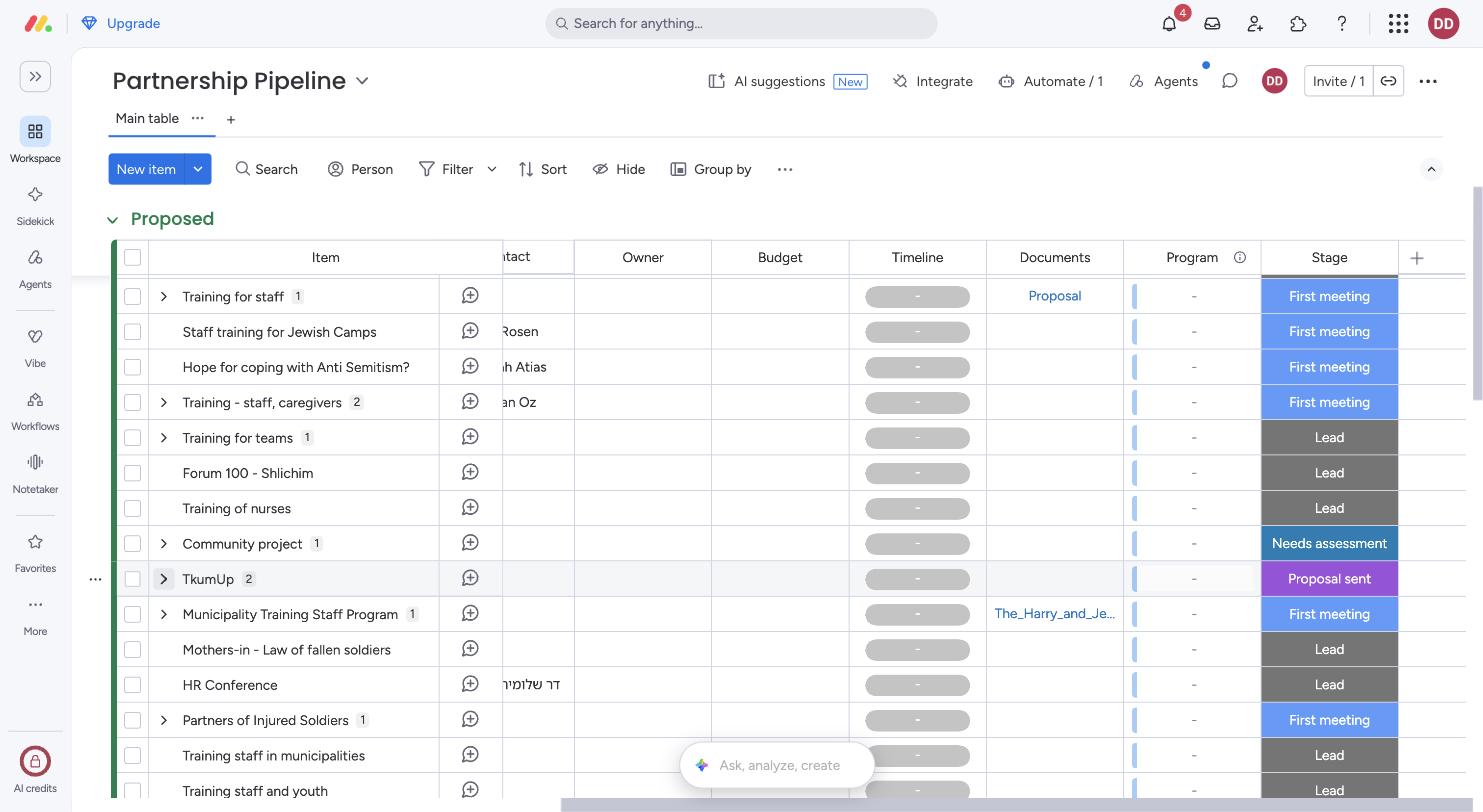
When a partnership starts
- Add it to Partnership Pipeline as a Lead, with the partner organisation and funder.
- Move the Stage as it progresses: First meeting, Needs assessment, Proposal sent, Negotiating, then Won, Lost or On hold. Put the next to-do in Next step.
- Log every meeting, call or email as a subitem (the small number next to the name), with its date, type and any document.
- When the stage becomes Won, monday notifies the team to set up the program.
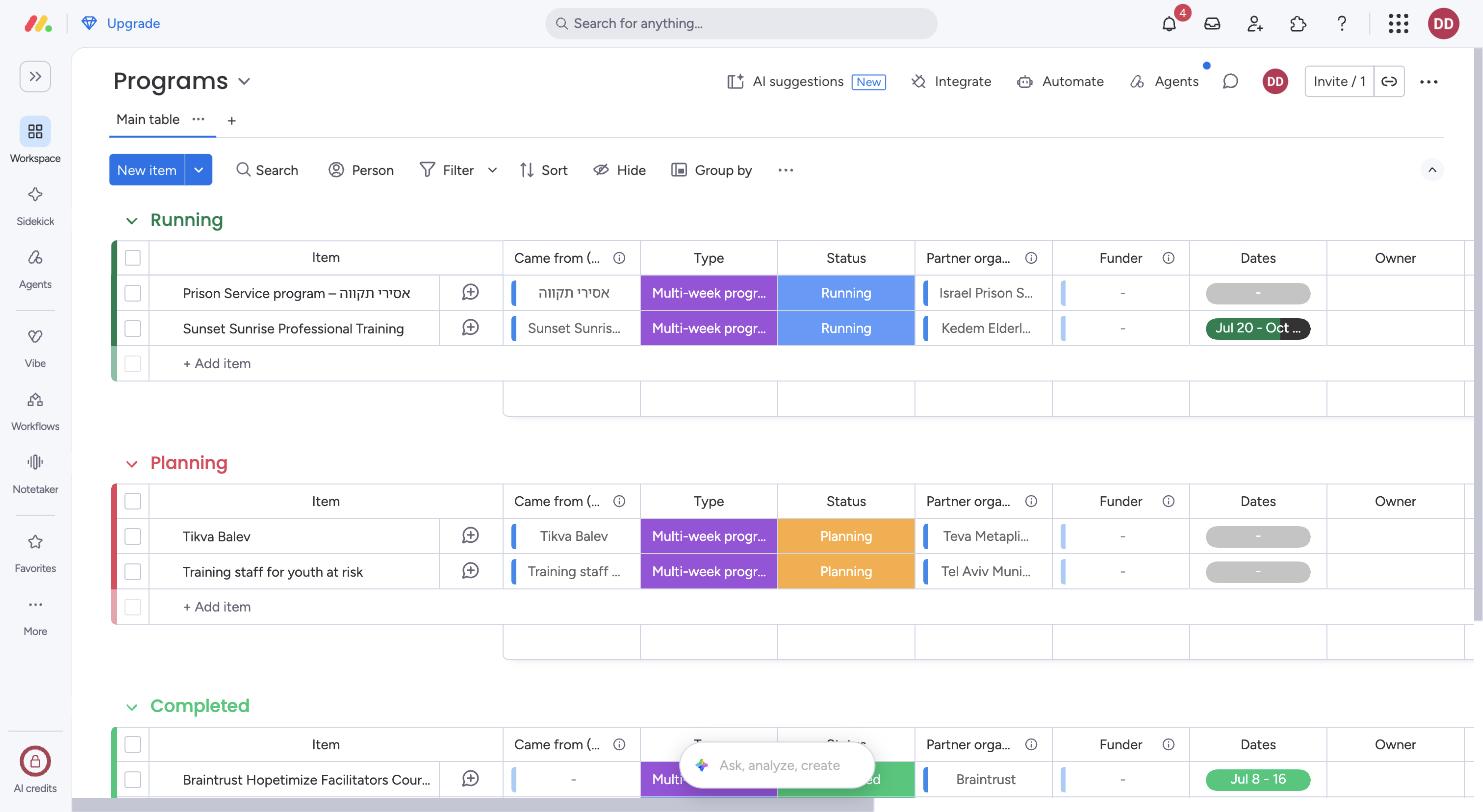
Programs
A program is either multi-week or a one-off workshop. It links back to the pipeline project it came from, and forward to its sessions, so it can show how many sessions ran and how many people they reached.
Each program also has subitems for its sites, tasks and meetings, marked Site, Task or Meeting. Sunset Sunrise lists its three homes (בית הלפרין and בית אבות בראט have a green light, בית יוליאנה is at the visit stage) and the open tasks for בית הלפרין: choose staff, choose facilitators, set a date. The prison program links to the notes from the 30 Aug meeting with the Prison Service.
When a workshop is scheduled
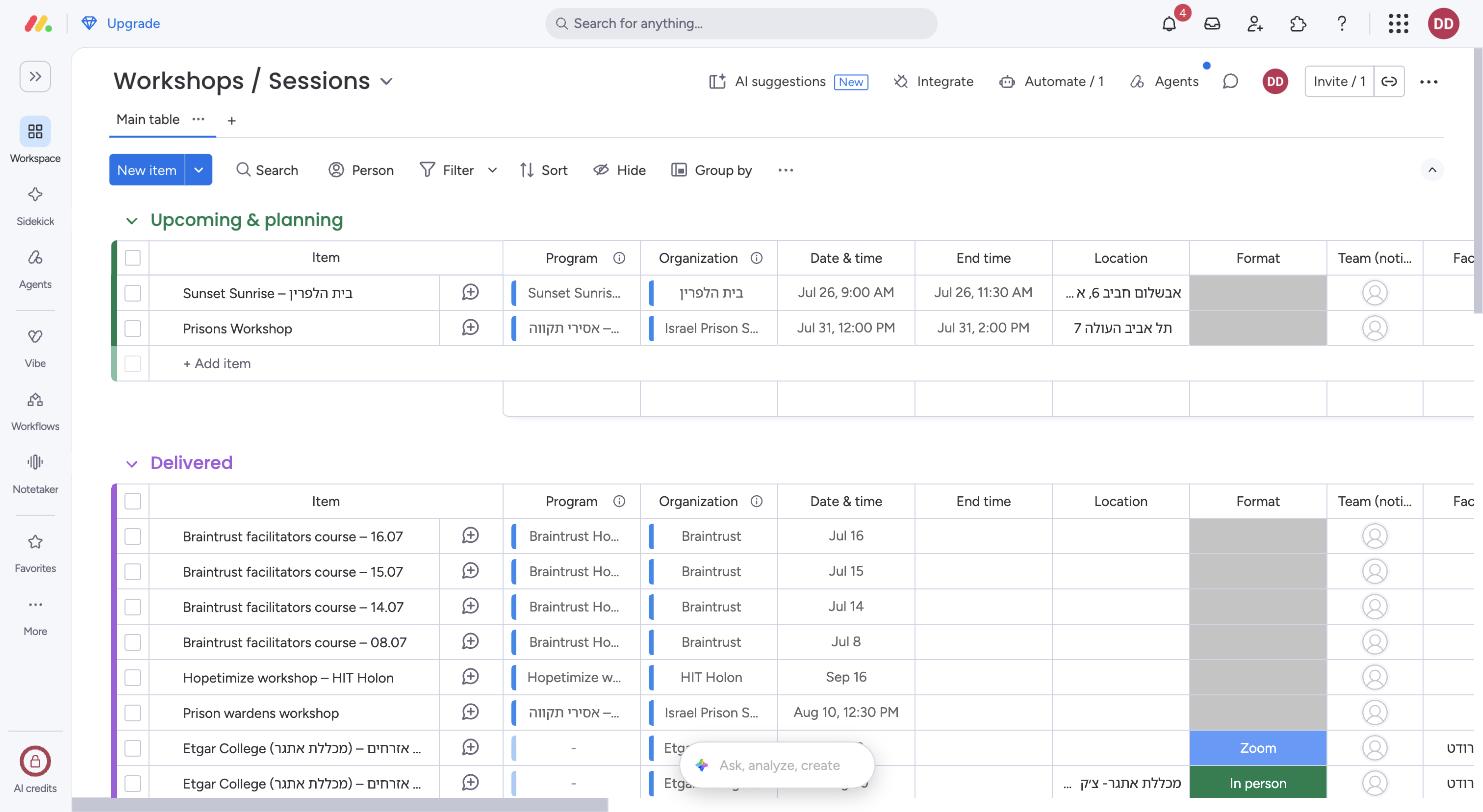
- Add a row to Workshops / Sessions, linked to its program and organisation, with date, time and location.
- Put everyone who needs to know in Team (notified).
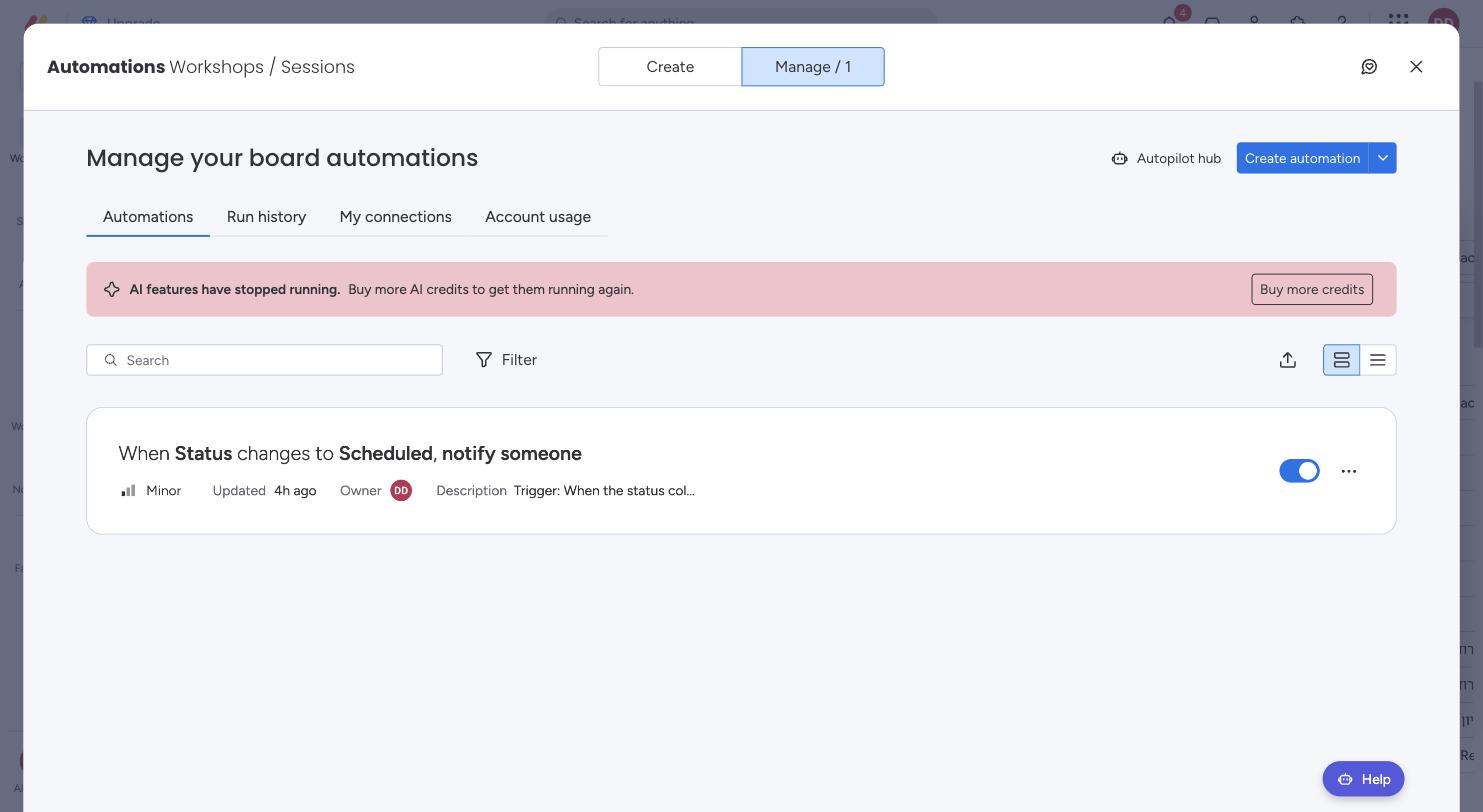
- Set Status to Scheduled: everyone in the team column gets a monday notification with the date and place.
- After the session, change it to Delivered, then Report complete once the facilitator has added participants, feedback and quotes.
Events
Each event is one row in Events. Every invitation is a row in Event Attendance linking a person to an event, marked Invited, RSVP'd, Attended or Did not attend. A new event no longer means adding a column.
Grants
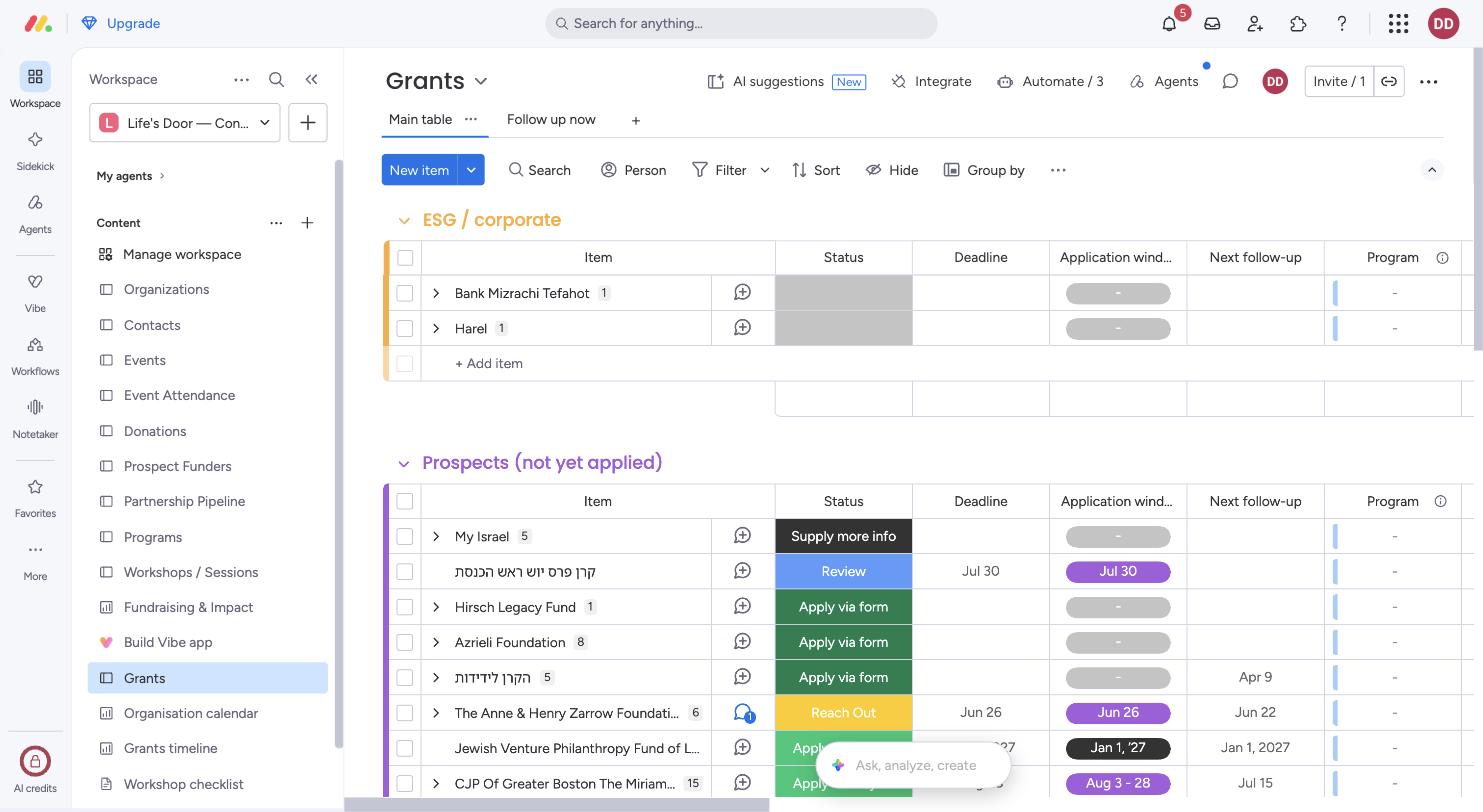
Grants holds all 21 grants from the old board, grouped by where they stand: Prospects, Submitted, Approved — reporting, Next steps and ESG / corporate. Each grant has its Deadline, Application window, Next follow-up, Report due and Report status, with a Files column for documents and links to the grant document and the application. Contacts at each funder are subitems.
Follow-ups and reminders
- Put a date in Next follow-up on Grants or Prospect Funders, or in Next step date on Partnership Pipeline. Prospect Funders also has a Follow-up note for what the follow-up is about.
- At 9:00 on that date, monday sends a notification. Grant deadlines and report due dates send one 14 days before.
- Each of the three boards has a Follow up now tab: the list of who to chase today, oldest first.
For now, reminders go only to Daniel. Who should get them is a question for the meeting.
The dashboards
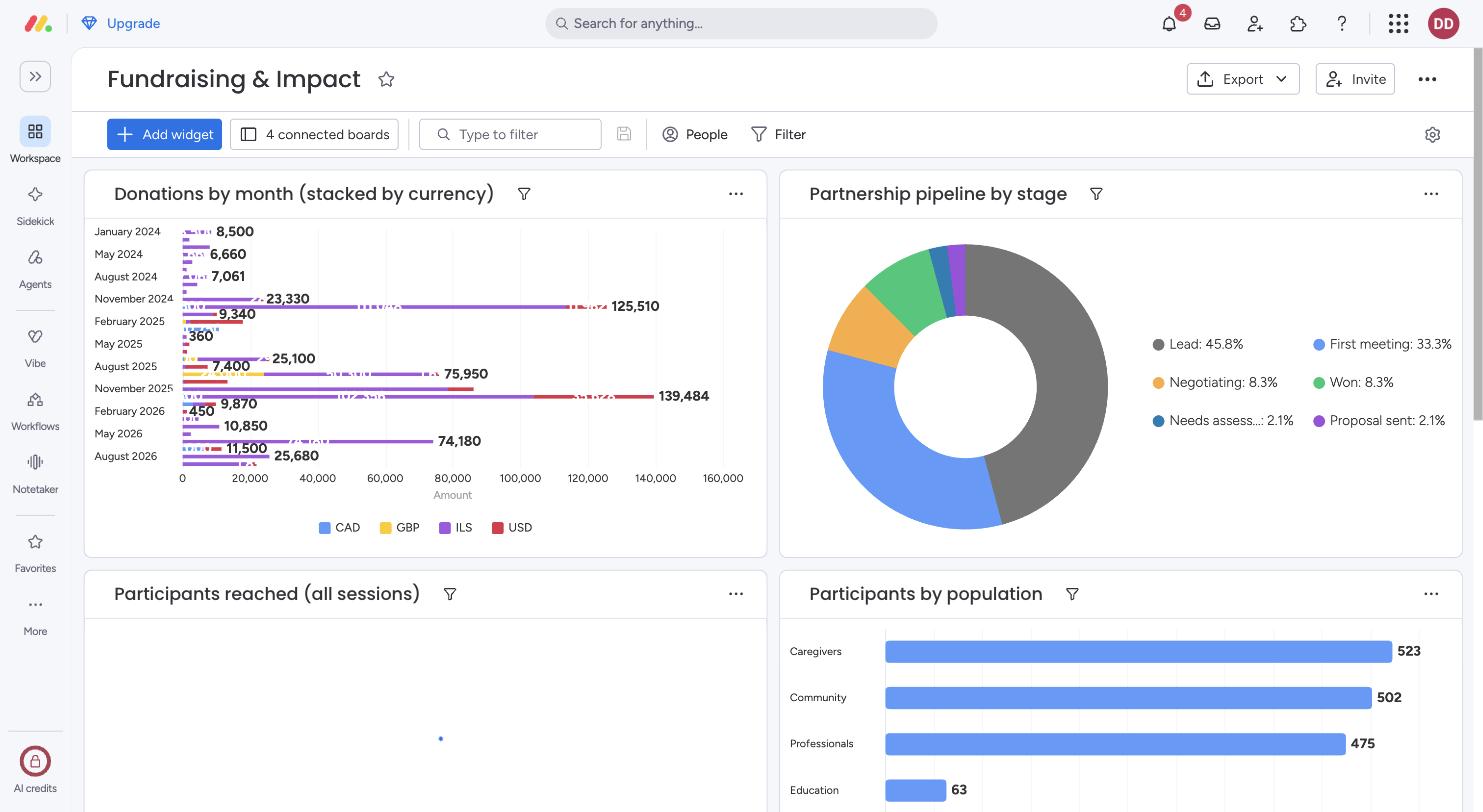
- Fundraising & Impact: donations by month (split by currency), the pipeline by stage, total people reached, and reach by population. It reads the boards; nothing to fill in.
- Organisation calendar: one Gantt with conferences and events (start to end date), program dates, workshop sessions, grant windows, deadlines and report dates, and partnership timelines, plus a month calendar.
- Grants timeline: a Gantt of every grant, grouped by stage and coloured by status, with a status chart beside it.
Answers to the team's questions
- Emails missing from a donor item
- Sending an email to an item's monday address usually fails for one of these reasons: the item address was in To or CC together with outside people (put it in BCC), the email was over about 46,000 characters so it was cut off (long reply chains hit this), a "Reply above this line" block blanked it, or the address was copied from a different item. The new boards have new item addresses, so the old ones won't reach the new workspace. Logging every Outlook email automatically only exists in monday CRM (Emails & Activities), which the current plan doesn't include.
- Automatic follow-up emails
- The follow-up reminders above are monday notifications. monday also emails them to each person if they're left unread, depending on their notification settings. Emailing the org's own contacts automatically needs the Outlook integration connected, which the account owner has to approve.
- Connecting the calendar to Outlook
- Two-way sync needs Microsoft 365 Business Premium with an online Exchange mailbox. One-way sync (monday to Outlook) works today: open a Date column's settings, choose Other Calendars, then Sync, and subscribe to the link in Outlook. Each person does this for their own calendar.
- Workflows
- Open Workflows in the left pane. A workflow is built from blocks: a trigger, then actions, if/else branches and waits. Unlike a board automation it can span several boards, for example: when a grant is Approved, create the program, link it and remind the owner when the report is due. It needs the Pro plan or above.
- Agents
- Use Agents in the left pane to pick a ready-made agent or describe your own. An agent reads the boards and acts: updates items, drafts follow-up emails, summarises a grant before its deadline, or flags donors who haven't given in a while. It runs when something changes on a board or on a schedule. Each action uses AI credits (often around 8), and the account has none left, so credits come first.
Emails to people outside monday, Outlook or Google calendar sync, agents, and real owners on each row all need someone's decision first. They're in For the meeting.